Product Discovery
Product Discovery provides keyword and semantic search over published Products and Consumables. Its available views depend on your installation:
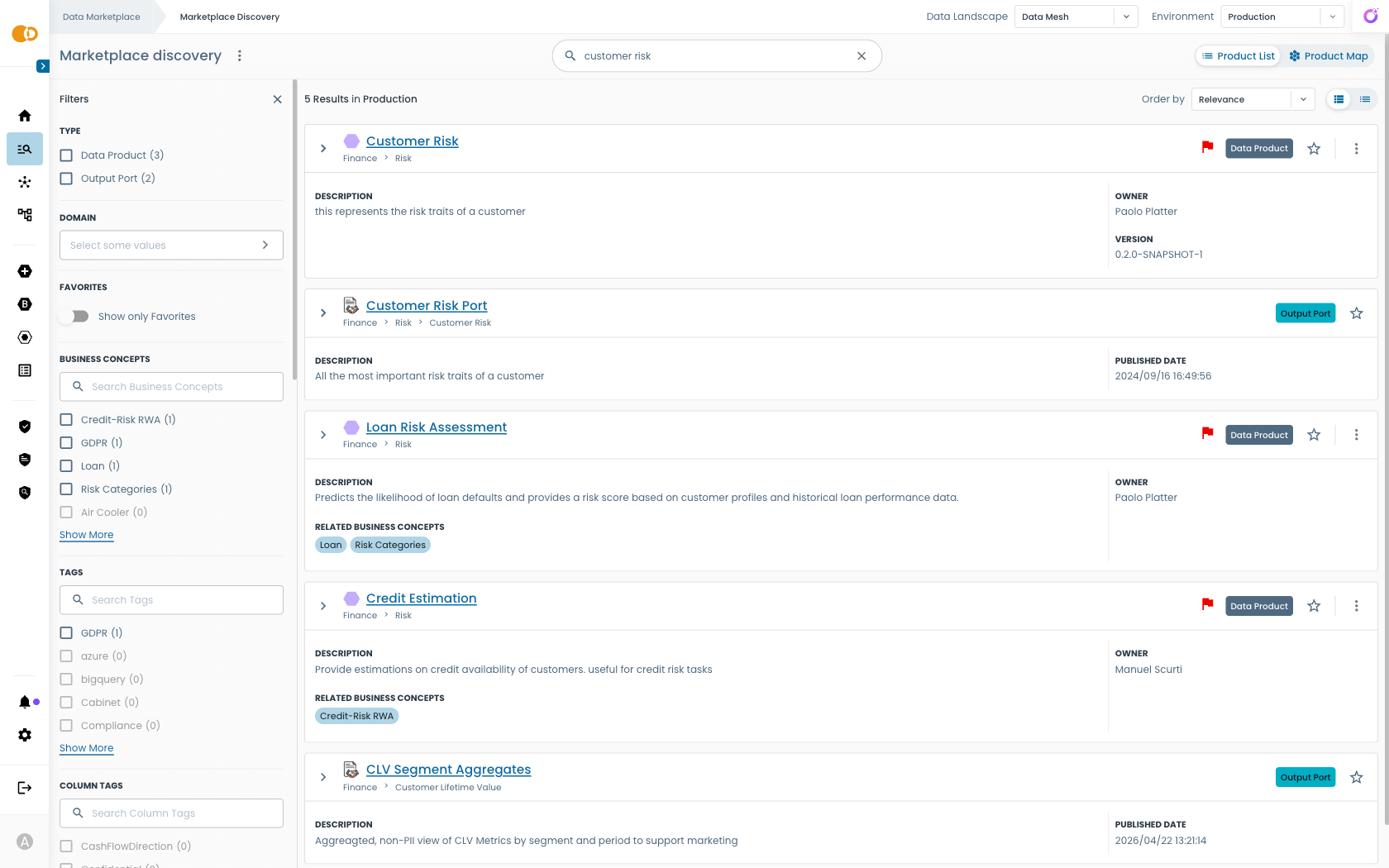
- Product List: Products and Consumables presented as cards or a table. In keyword mode, the Order by selector defaults to Relevance, Least Recent, and Most Recent; available options depend on your installation. Semantic results are ordered by relevance.
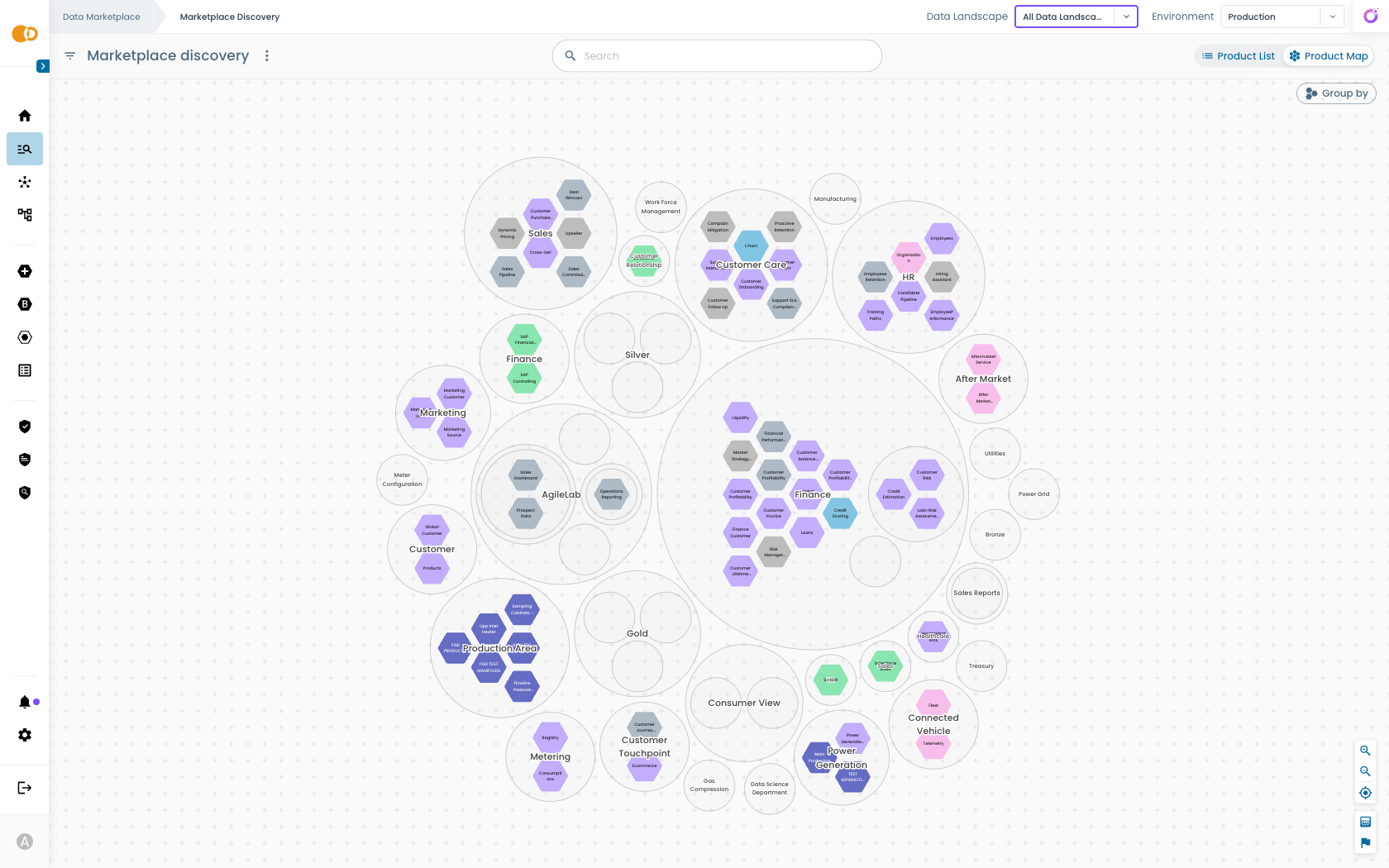
- Product Map: an interactive graph of Products and their relationships, with search matches highlighted in the graph.
When both views are available, Product List and Product Map tabs switch between them.
Search Controls
The search bar is shared by Product List and Product Map. The search mode selector provides the following options:
| Control | Search mode | Input |
|---|---|---|
| Search | Keyword | Words from a Product name or published information. |
| Ask | Semantic | A short description of the data subject being sought. |
The selected mode remains selected when the input is empty or contains only spaces. In Product Discovery, changing mode clears the input but retains the previously displayed results. A new non-empty submission replaces those results using the selected mode. The retained results are not a new search in that mode.
Context and Filters
The header can contain Environment and Data Landscape selectors, depending on your configuration. The filters panel contains the filters applicable to the selected landscape. Filter names, available values and initial selections depend on your installation.
The environment, Data Landscape and applicable filter selections are preserved when changing search mode or switching between Product List and Product Map. Changing the landscape can change which filters are applicable. Search and Ask use the selected context to narrow discovery.
Empty Queries and No Matches
| Search state | Product List | Product Map |
|---|---|---|
| Empty Search query submitted | Browsing results for the current context and filters, without keywords. | Graph remains visible; applicable filters can identify matching Products. |
| Ask has no submitted query or retained results | No semantic results. | Graph remains visible without semantic matches. |
| Ask input cleared or submitted with only spaces after results appear | Previous results are retained; no new semantic search runs. | Previous search matches can remain visible. |
| Non-empty search completes with no matches | No matching Products or Consumables. | Graph remains visible without highlighted matches. |
Changing the environment, Data Landscape or filters discards retained results. If Ask is selected and the input is empty, the view then has no semantic results until a non-empty query is submitted. An empty input is therefore different from a completed search with no matches.
Related Pages
- Discover Data from the Marketplace: a guided discovery lesson using keyword and semantic search.
- Keyword and Semantic Discovery: mode choice and the meaning of map matches.
- Data Discovery: the wider discovery experience.
- Product Search setup: setup guidance for your Platform Team.