Feature Request
Submit a Feature Request for a Product or one of its Consumables to propose improvements, changes, or new capabilities directly to the Data Product Team.
Overview
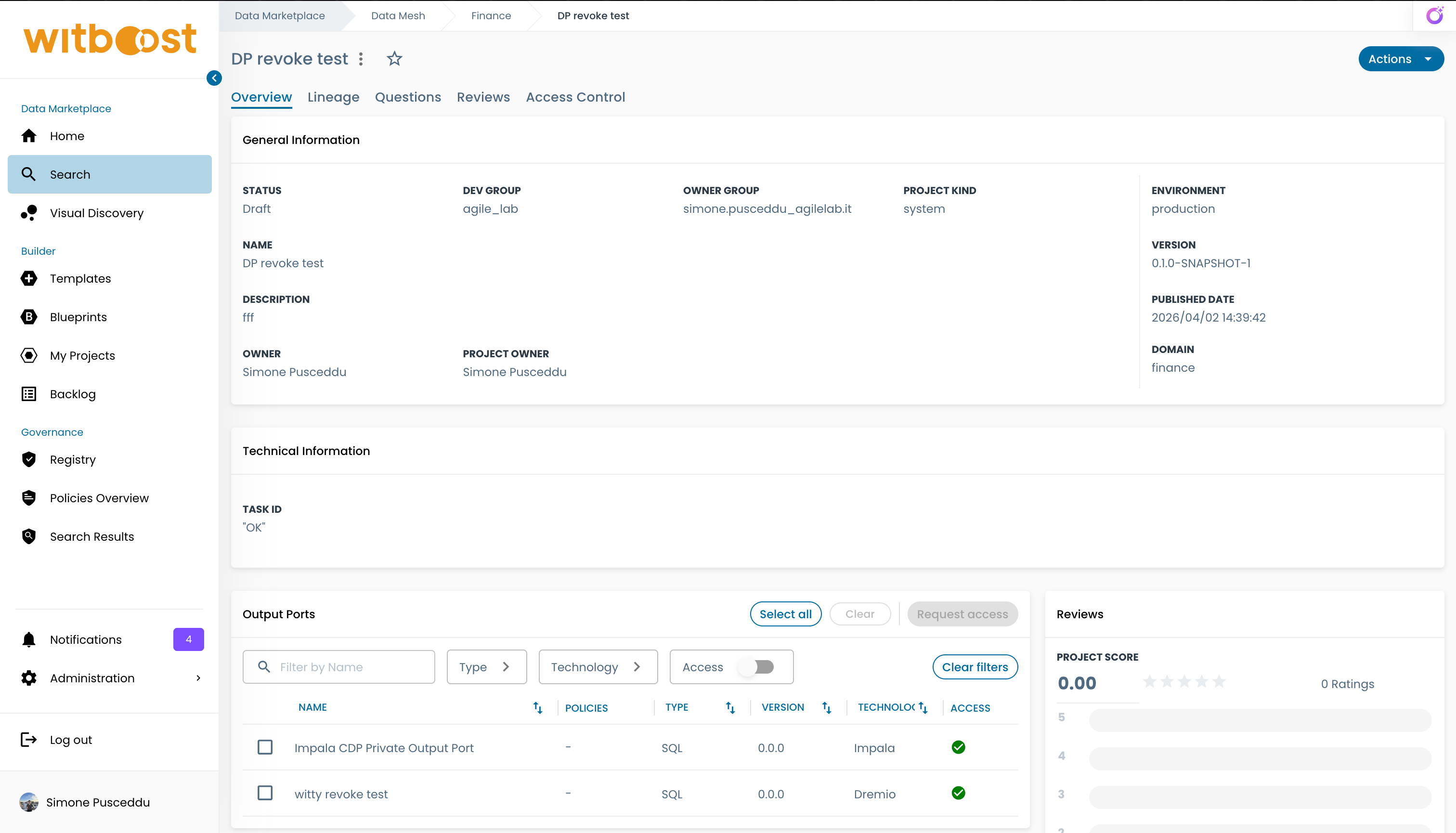
The Feature Request capability lets you communicate your needs to Data Product owners. You can request changes to product metadata, improvements to a Consumable, or propose entirely new capabilities — all from within the Marketplace.
Each Feature Request includes a summary, description, priority level, and optional file attachments such as screenshots, diagrams, or documents.
Feature Requests can only be submitted from the high priority environment. The action is not available in other environments.
Submitting a Feature Request
To submit a Feature Request:
-
Navigate to a Product page or a Component page in the Marketplace
-
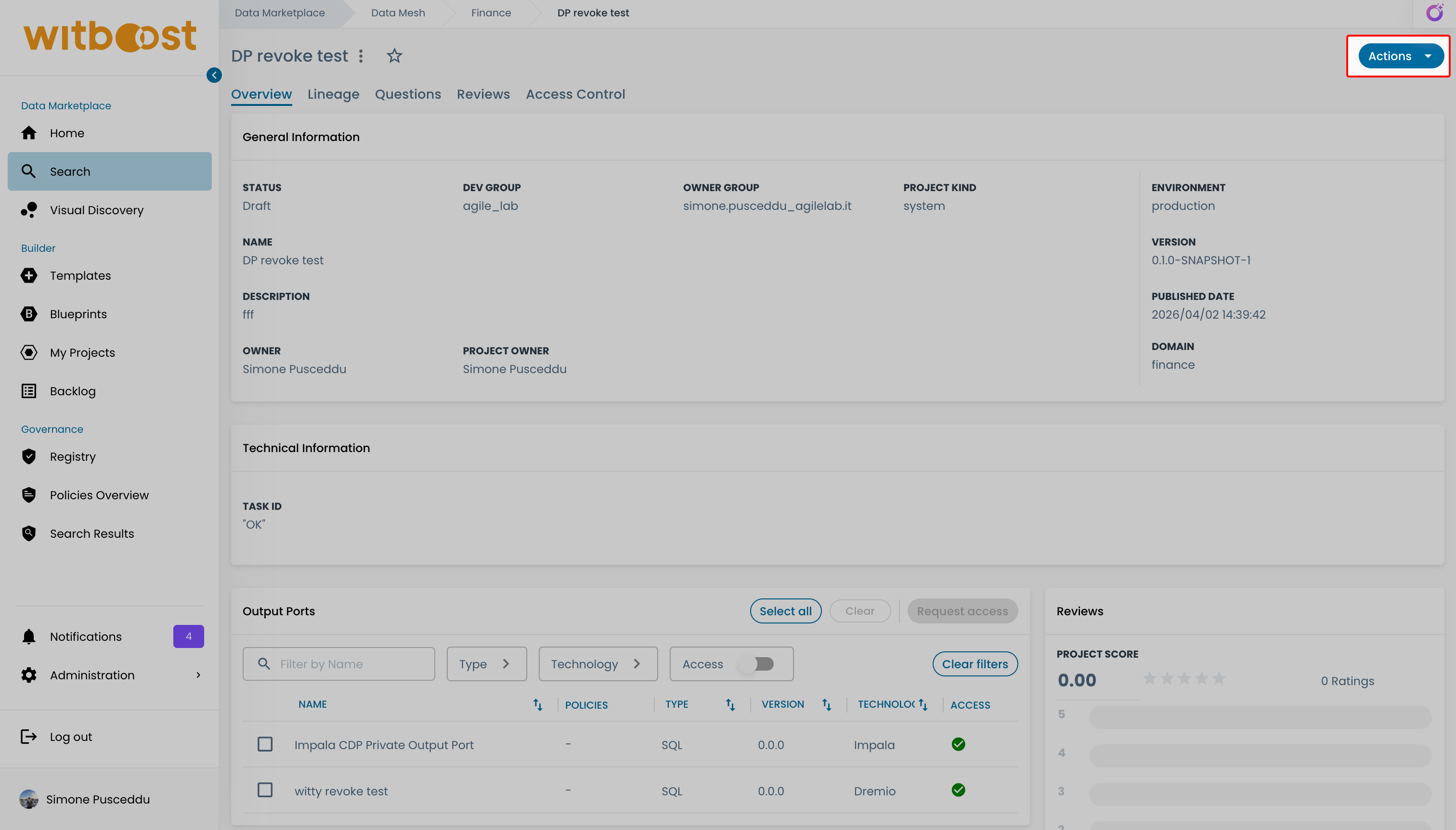
Click the Actions menu button
-
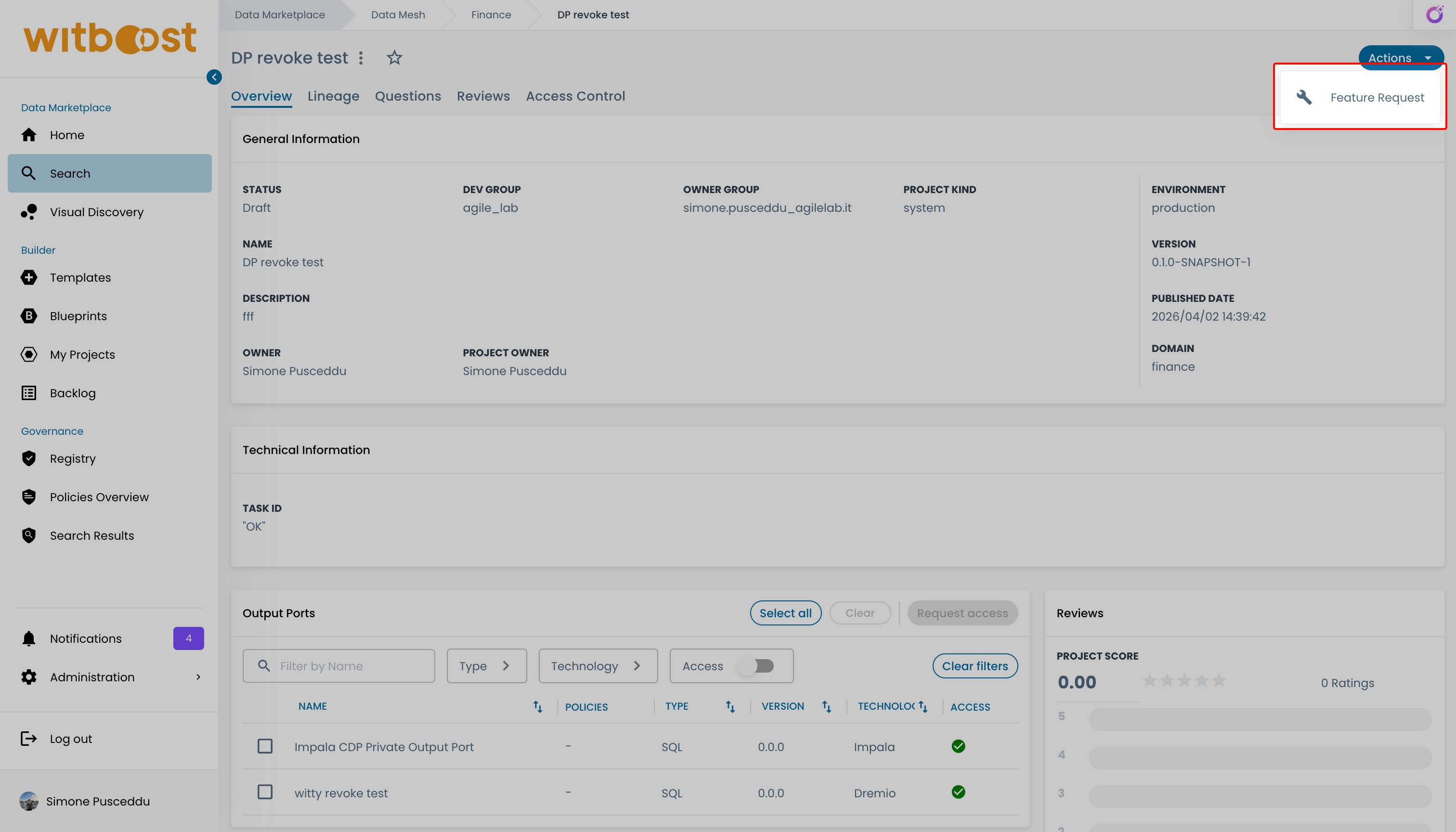
Select Feature Request
-
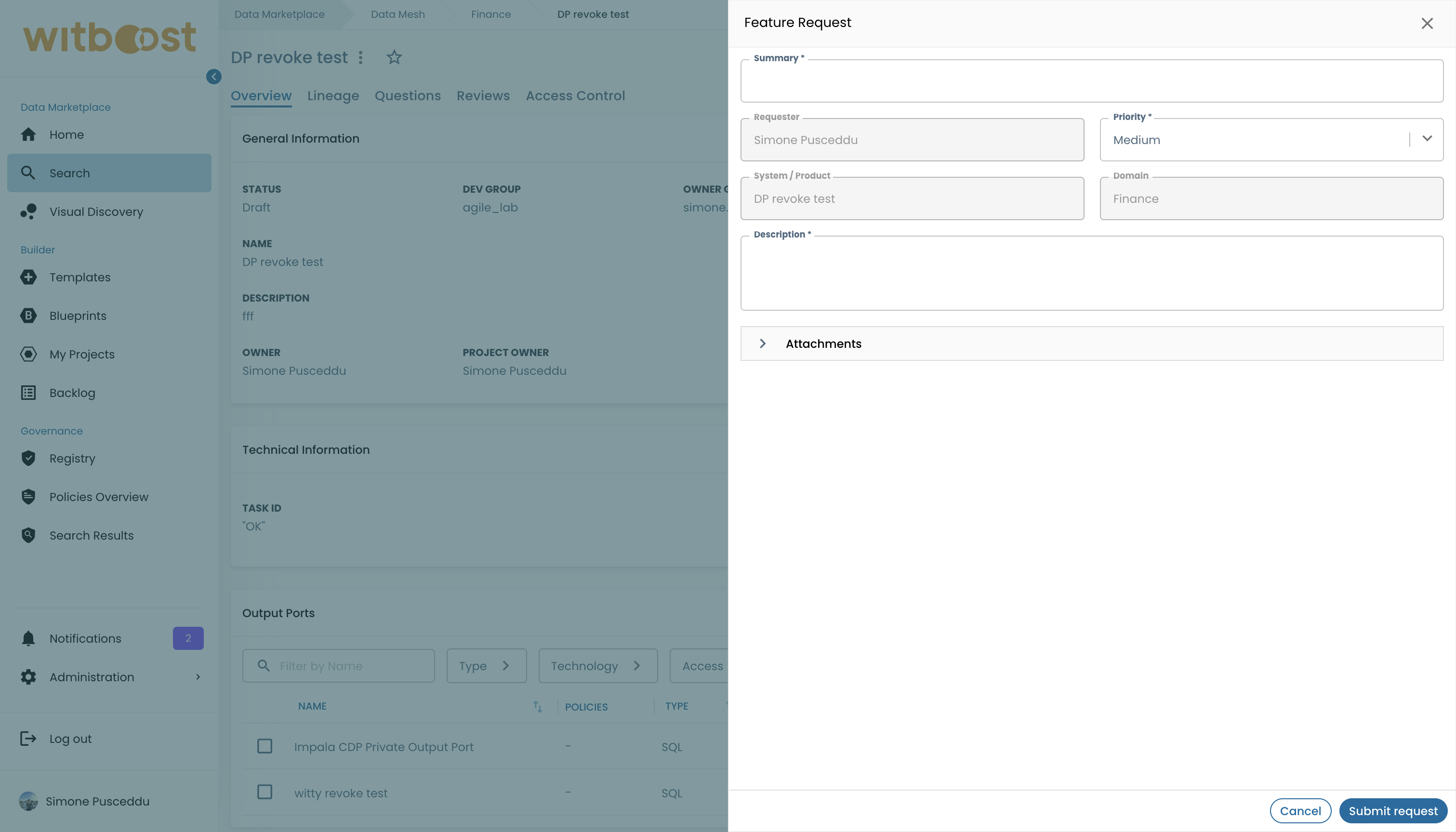
Fill in the request form:
Field Description Required Summary A short title for your request Yes Description A detailed explanation of what you are requesting and why Yes Priority The priority level for the request Yes Attachments Upload supporting files (PDF, JPG, PNG) to provide additional context No 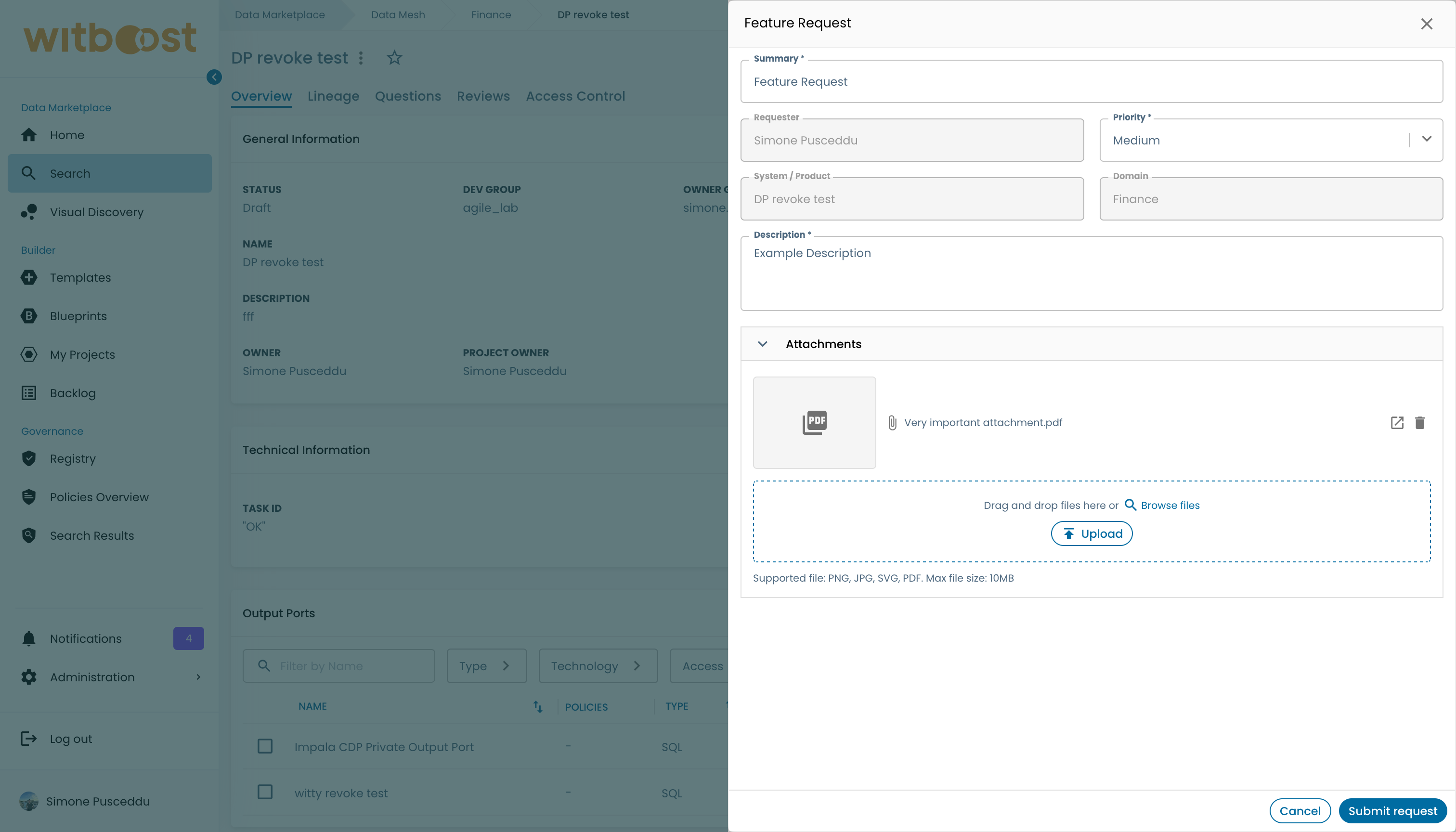
-
Click Submit
When you submit from a Product page, the request targets the Product itself. When you submit from a Component page, the request is automatically associated with that specific Component.
Request Statuses
After submission, your Feature Request goes through a lifecycle managed by the Data Product Team:
| Status | Meaning |
|---|---|
| Submitted | The request has been received and is awaiting review |
| Approved | The Data Product Team has approved the request |
| In Progress | The team is actively working on implementing the request |
| Implemented | The requested changes have been completed |
| Rejected | The request has been declined by the Data Product Team |
Tracking Your Requests
You can monitor the status of all your submitted Feature Requests from User Settings. See My Feature Requests for details.